Necromunda Campaign Tracker
Getting started
Four steps from a link in the group chat to a gang sitting in a campaign. It takes about ten minutes, and one of those steps is waiting for somebody else.
Every screenshot below is this app actually running. They are captures of a throwaway demo roster — the gangs and players in them are invented.
Sign up, then wait
Anyone with the link can register. You will be asked for your name, an email, your Discord name and your MundaManager name. Discord is optional — the group is on WhatsApp — but the other three matter: the email is how you sign in, and the MundaManager name is how the arbitrator matches you to a roster they may already be tracking.
If your arbitrator posted an invite link, open that instead of registering here: it creates your account the same way, but approved straight away, with no wait. For a campaign that runs on MundaManager the link asks for both your MundaManager name and your Discord handle — your arbitrator invites you to the campaign on MundaManager by that name.
Registering does not let you in. Every new account has to be approved by an arbitrator, so there is a wait between signing up and being able to sign in. You will be emailed when it happens. If nothing arrives within a day, chase it in the group — a missed approval looks exactly like a forgotten one.
Found your gang
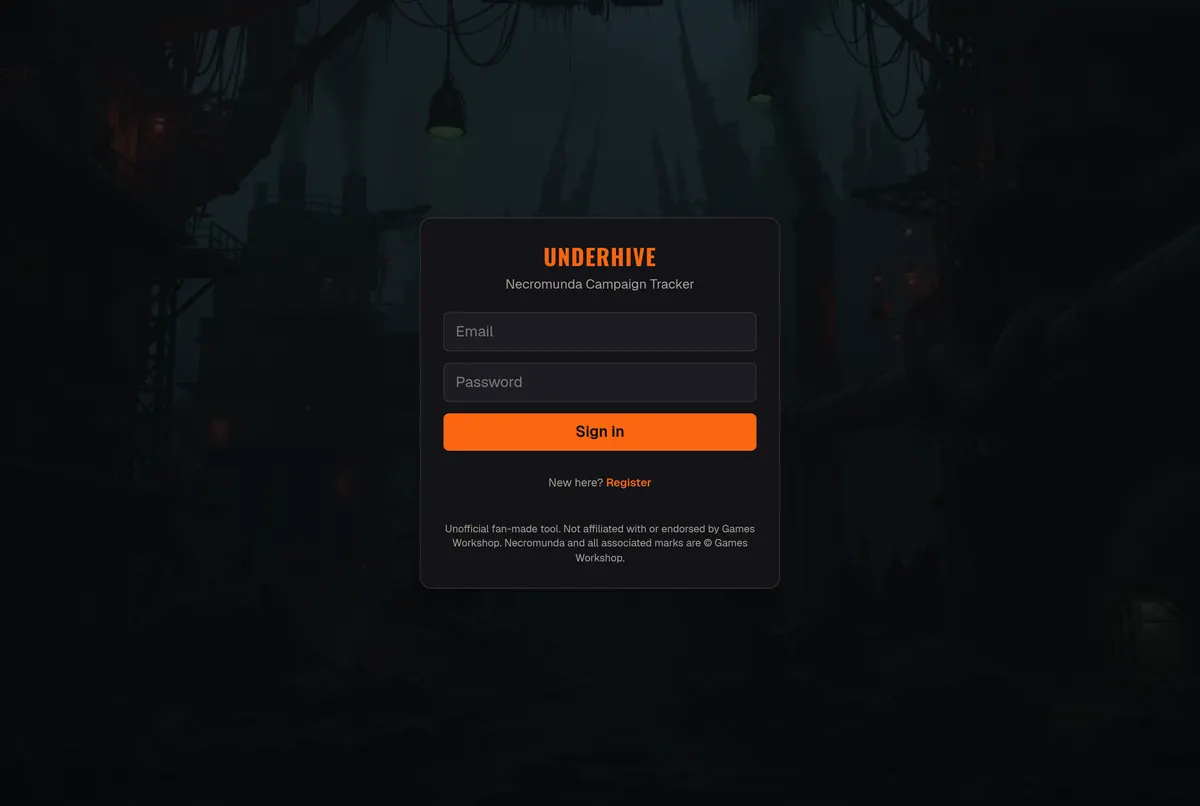
Once you are in, Home is empty and the form to found a gang is sitting on it. Give the gang a name, pick the edition and your house or faction, and set your starting credits — 1000 is the usual founding budget, but your arbitrator may have said otherwise for this campaign.
Pick the edition carefully. N26 is Necromunda: Skirmish and is what current campaigns use; N23 is there for legacy rosters. The choice changes which rules the app applies to your gang, and it is not a cosmetic label.
If your campaign runs on MundaManager, that settles it:your gang and your battle results live on MundaManager, and Underhive tracks the campaign as a whole — standings, territories and the story. Your arbitrator's invite will say so. Otherwise, where you build the roster is your choice: keep it in MundaManagerand link it, or build it here in Underhive's own editor if you would rather not use MundaManager.
Using MundaManager? Choose Add my MundaManager gang — it sits right beside Found a gang— and paste your gang's link from MundaManager (open the gang there and copy the address). There is no roster to rebuild. Once your arbitrator has linked the campaign to MundaManager, the next sync finds your gang by that link and brings across your rating, credits, reputation, wins, losses and draws — and because it matches on the link, renaming the gang later, in either place, does not lose it.
Not using MundaManager? Build the roster here instead, fighter by fighter — that is step 3, and it is the route that gets you the most out of the app.
Linking brings the numbers, not the fighters.MundaManager publishes campaign data only — it has no way to hand over a roster — so a gang built solely in MundaManager arrives here as headline numbers with no fighters behind them. Underhive's battle tracker, post-battle sequence and Trading Post all work off the roster, so they will have nothing to work with until the fighters exist here too. If you want to play through the app, build the roster here as well. And if your numbers never appear, the name is the usual culprit: your arbitrator can see every MundaManager gang the sync could not match, and why.
Build the roster — Leader first
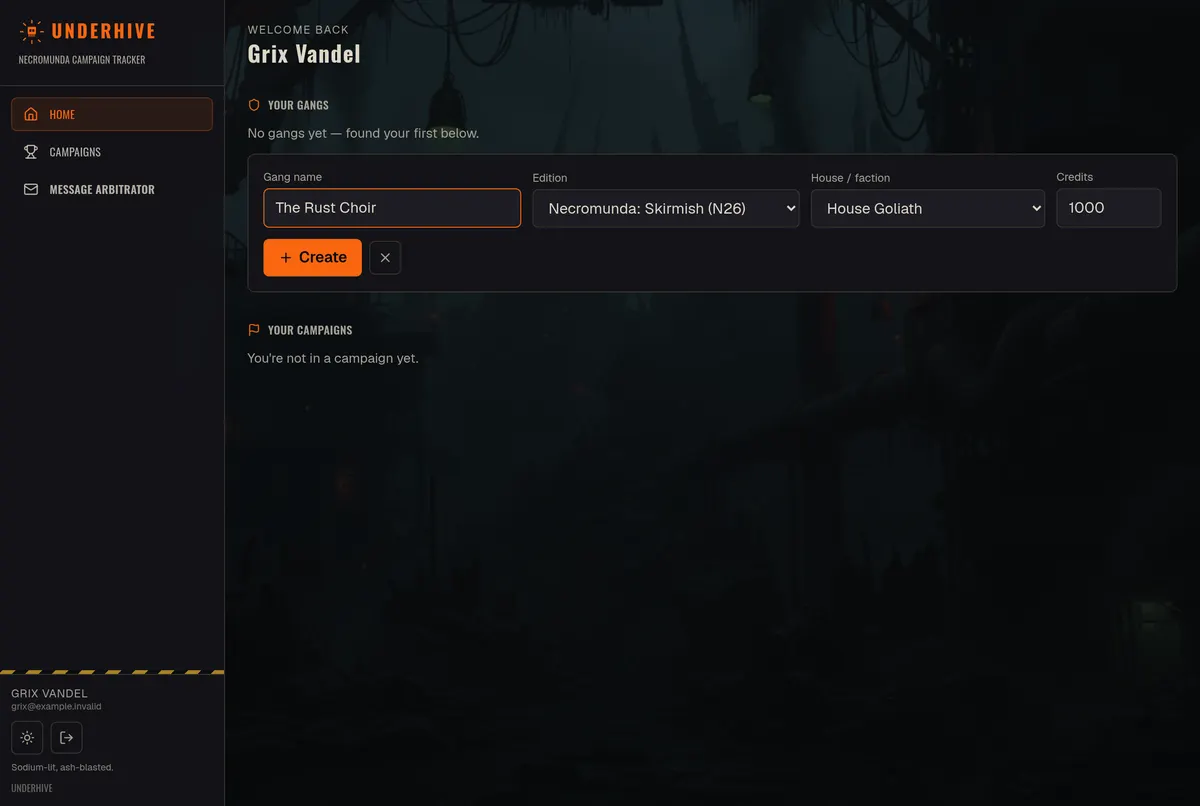
This is Underhive's own editor — the route to take if you are not keeping the roster in MundaManager, and worth doing anyway if you want to run battles through the app.
A new gang starts empty and tells you so: “A gang must include one model with the Leader Subtype.” Use Add fighter on the bar at the top to recruit. Start with your Leader — some fighters only become available once you have one, and a Leader joining generates Gang Tactics for the gang.
While the roster is still being built it shows as Founding, and creation-time choices stay open — alignment, alliances, corruption, and any options a fighter's card offers at recruitment, such as a Delaque leader's psyker option. Those options disappear once you submit the roster, which is the point of the Submit roster button: it says the gang is finished.
Get into the campaign
Came in through your arbitrator's invite link? Then you are already through this step: the link approved your account at once, and the gang you add goes straight into the campaign. Nothing to ask for.
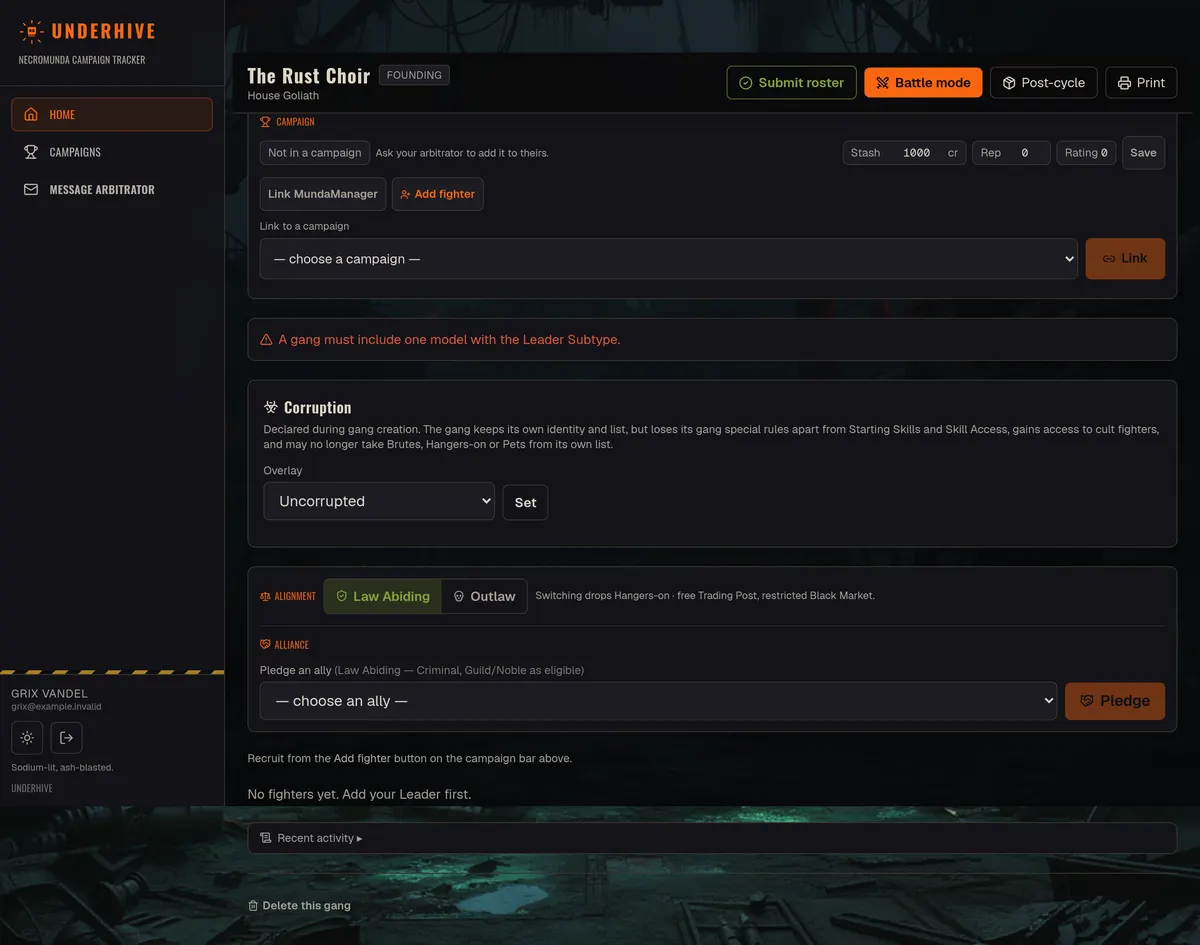
Otherwise, a finished gang is not automatically in anything. The campaign bar says so plainly: “Not in a campaign — ask your arbitrator to add it to theirs.” Open Campaigns, find the campaign, and choose Ask to join beside your gang — your arbitrator is told, and answers.
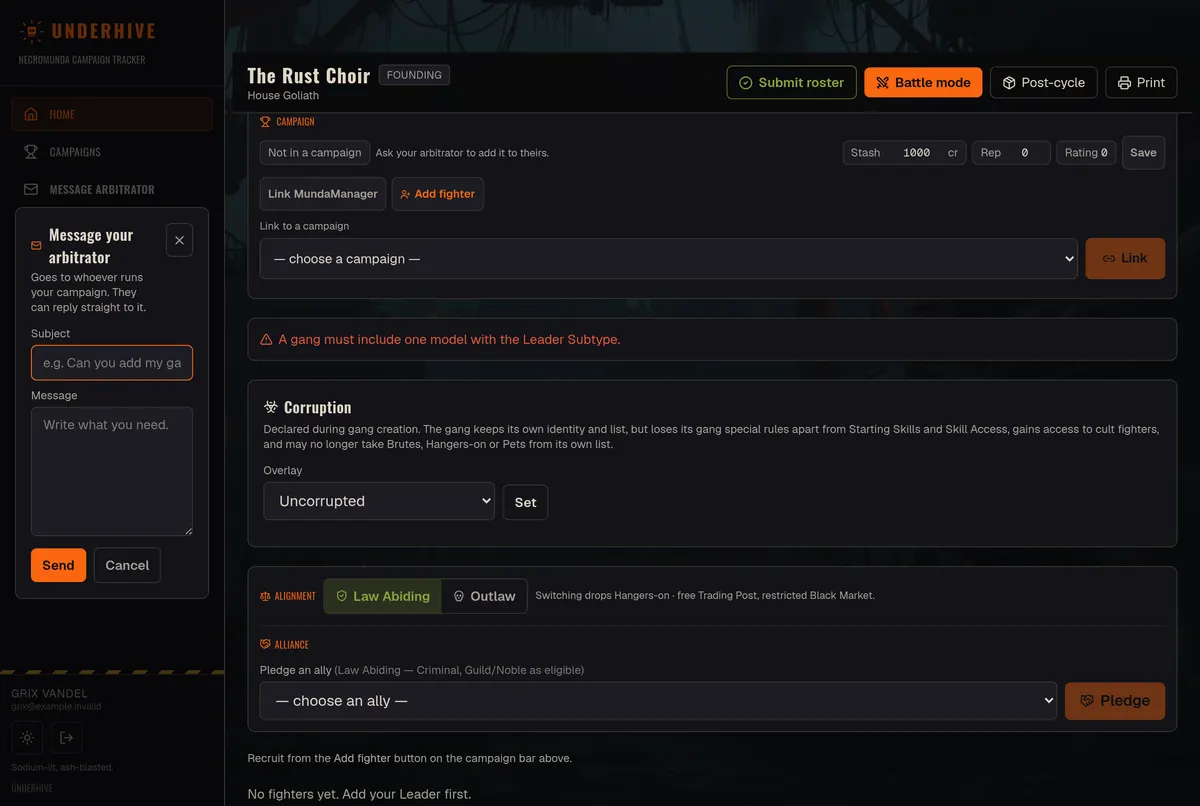
That is what Message arbitrator in the sidebar is for. It goes to whoever runs your campaign, and they can reply straight to it — the reply lands in your inbox, not a no-reply void. Say which gang you have built and which campaign you want to join.
Without an invite link, nothing happens until you ask. A gang can sit finished and unnoticed indefinitely if you assume the arbitrator has seen it. If you have no link, ask for one — it is the quick way in.
If something looks wrong
Use Message arbitrator. It is the same button for a rules question, a gang in the wrong campaign, or a number that does not match what you played. It is quicker than the group chat, and it arrives attached to your account, so whoever answers can see what you are looking at.
Forgotten your password? The sign-in screen can send you a reset link — you do not need an arbitrator for that one.